14 Highlights from WWDC23
At 1 a.m. Beijing time on June 6, the WWDC23 keynote began. Here are 14 highlights.
1. NameDrop
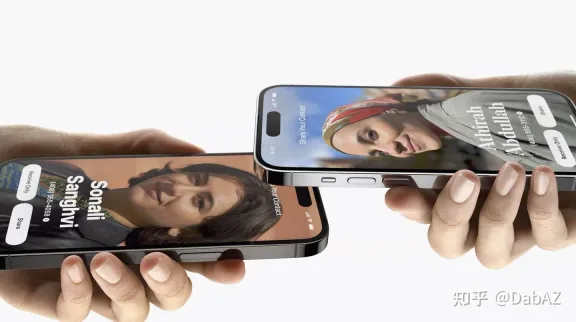
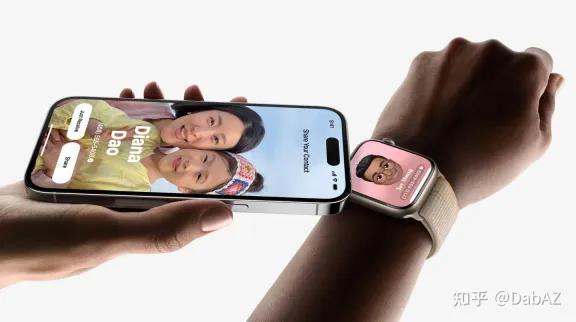
With iOS 17, you can share contact information by bringing your iPhone close to someone else’s. You can do the same between an iPhone and an Apple Watch.
2. Contact Poster
iOS 17 lets you design your own Contact Poster, which appears when you call someone.

3. FaceTime message
When someone does not answer your FaceTime call, you can leave a FaceTime message, much like the old voicemail.
4. FaceTime on Apple TV
FaceTime is coming to Apple TV.

5. Stickers from your own photos
You can turn your own photos into stickers in iMessage.

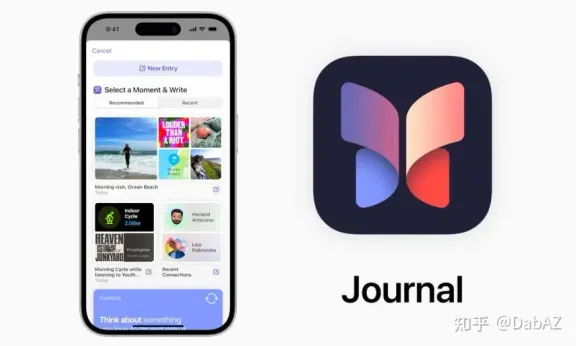
6. Journal, a new app
Journal is a new app. It lets you bring together photos, music, location, even fitness data to remember a stretch of time.
7. Check In
Check In automatically lets your friends know when you arrive somewhere.
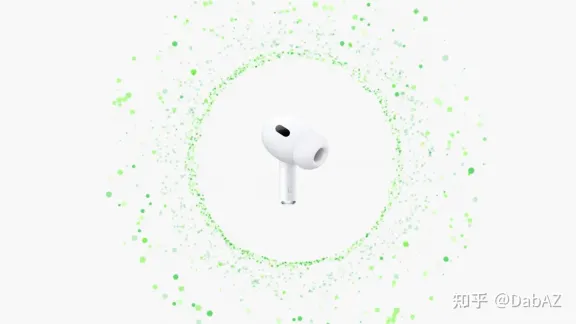
8. Adaptive Audio
You no longer have to fiddle with the audio settings on AirPods Pro or other audio devices. With Adaptive Audio, if you run into someone and they start talking to you, the AirPods switch to Transparency mode. If they detect noise, they switch to noise cancellation.
9. Multiple timers and widgets
You can now set multiple timers across all your Apple devices, and add widgets to Apple Watch that appear with a swipe.
10. 15-inch MacBook Air with M2
The 15-inch MacBook Air with the M2 chip is coming, and it weighs only about 1.5 kg.

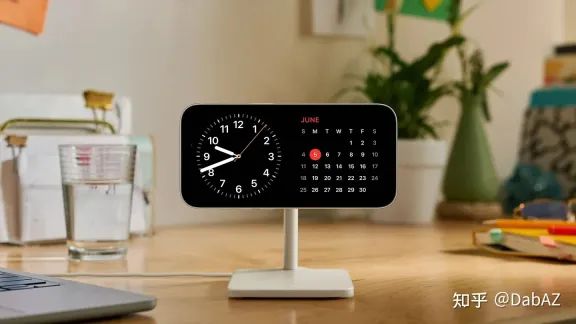
11. StandBy
StandBy makes your iPhone useful when you are not using it.
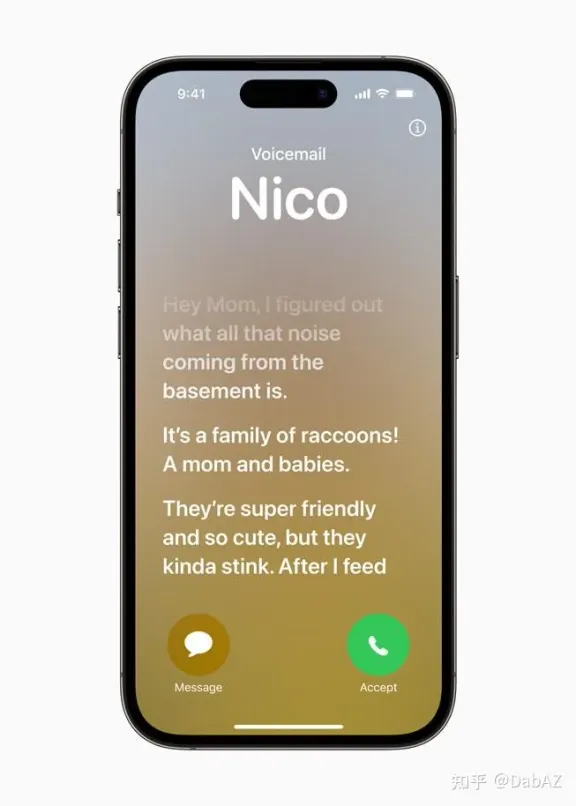
12. Voicemail transcription
Voicemail is transcribed in real time.
13. Log your mood
You can now log how you feel in the Health app across your Apple devices.
14. Vision Pro

In one sentence: Apple Vision Pro seamlessly blends digital content with your physical space.

Thanks for reading.