iOS 17 Developer Beta: What It's Actually Like
Apple pushed the iOS 17 developer beta promptly, and I installed it right away. Here is what I found in the first days of using it.
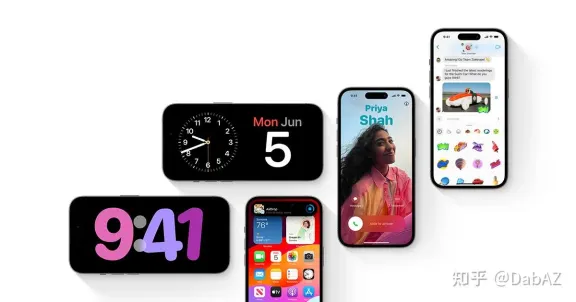
Supported devices
- iPhone 14
- iPhone 14 Plus
- iPhone 14 Pro
- iPhone 14 Pro Max
- iPhone 13
- iPhone 13 mini
- iPhone 13 Pro
- iPhone 13 Pro Max
- iPhone 12
- iPhone 12 mini
- iPhone 12 Pro
- iPhone 12 Pro Max
- iPhone 11
- iPhone 11 Pro
- iPhone 11 Pro Max
- iPhone XS
- iPhone XS Max
- iPhone XR
- iPhone SE (2nd generation and later)
Messages
Voice message transcription
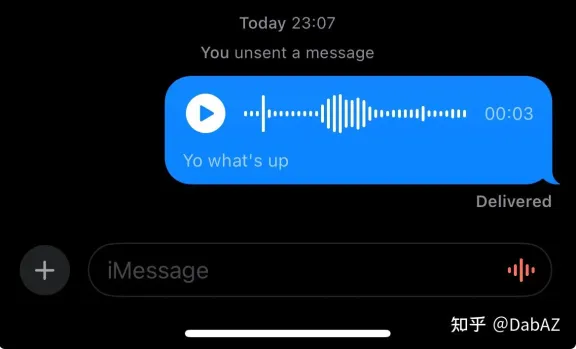
As shown here, a voice message I sent can now be turned into text. In testing, transcription was extremely fast: it was already text by the time the message went out.
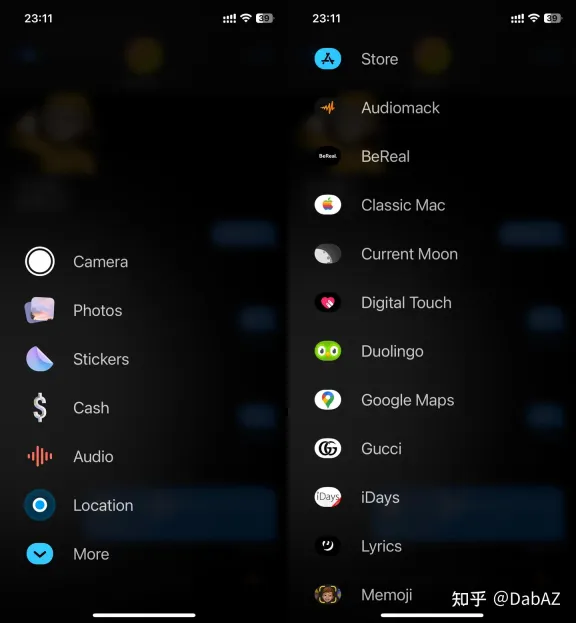
The plus button beside the input field
Tap the plus button beside the message field and a new menu opens. It holds some of the iPhone’s built-in Messages features; tap “More” for third-party apps.
Check In
I carry a China-region iPhone, so Check In is not in that menu. The first-run copy for Check In reads “Let your friend know you’ve arrived with Check In.” In short, when you reach the destination you set, Check In sends a message to your friend automatically. After tapping continue, you can choose to share all of your information or only part of it.
Stickers
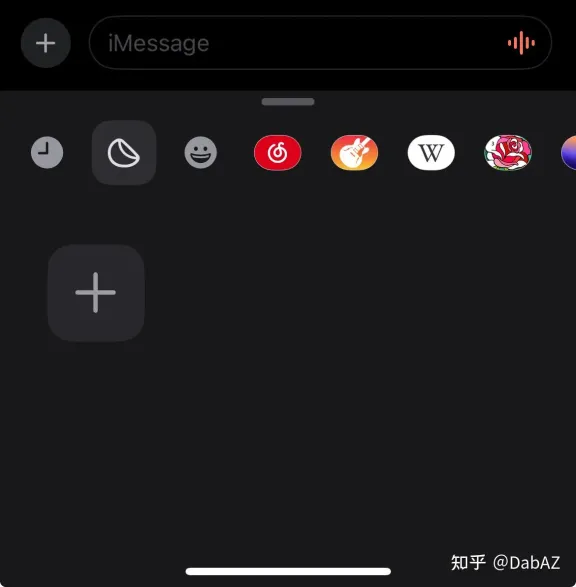
The menu includes Stickers. With this new feature you can cut the subject out of any photo in your library and turn it into a sticker.
Autocomplete
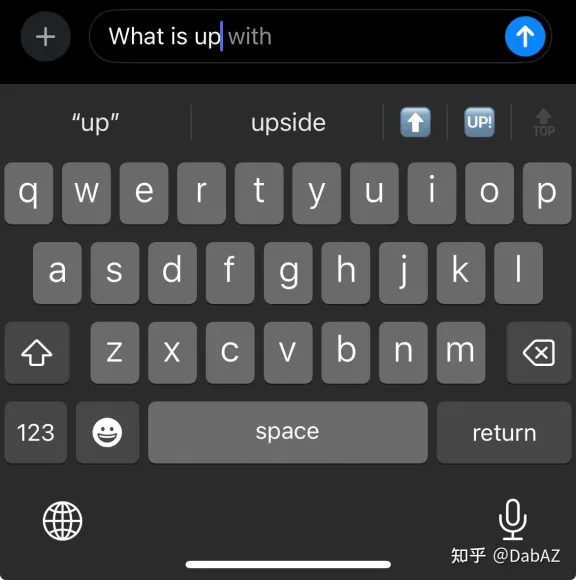
iOS 17 completes the word you are typing based on your habits.
Contact Posters
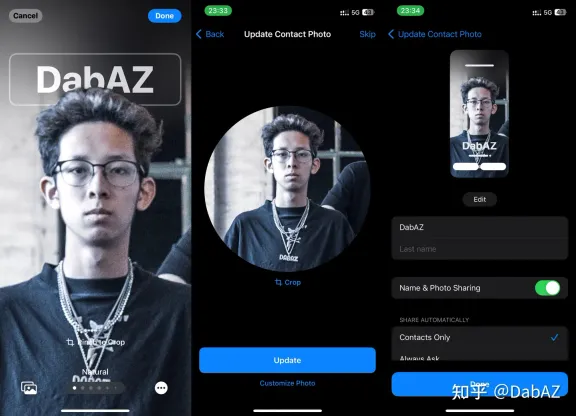
You can customise your Contact Poster and your photo, and both show up in several places.
A new wallpaper
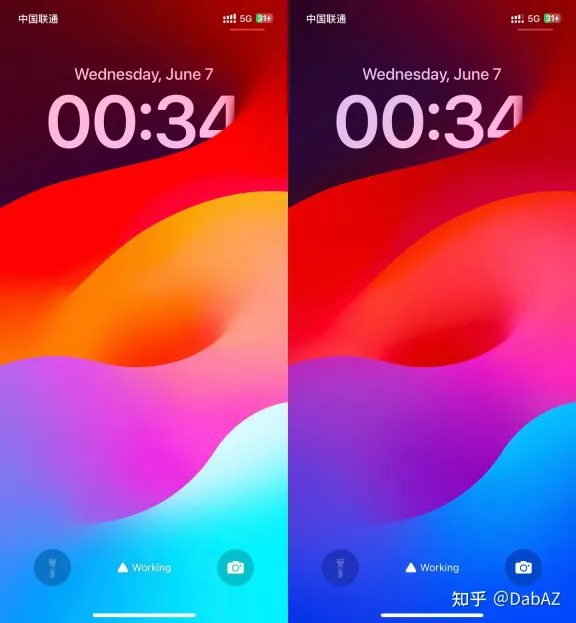
iOS 17 adds one new wallpaper.
AirTag sharing
You can now share an AirTag with someone else. Once shared, they can locate it too.
Interactive widgets
iOS 17 adds interactive widgets. You can, for example, play a playlist directly from the Apple Music widget.
Music
SharePlay in cars
SharePlay now works in cars with CarPlay.
Crossfade
If you use Spotify often, this one will be familiar. Crossfade blends two songs smoothly and naturally.
Now Playing
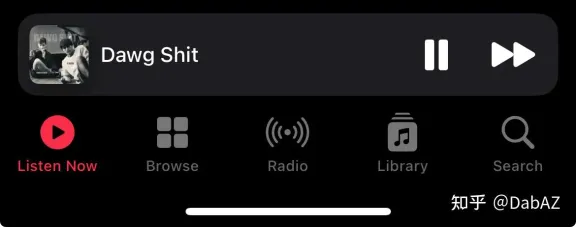
The Now Playing screen looks better.
StandBy
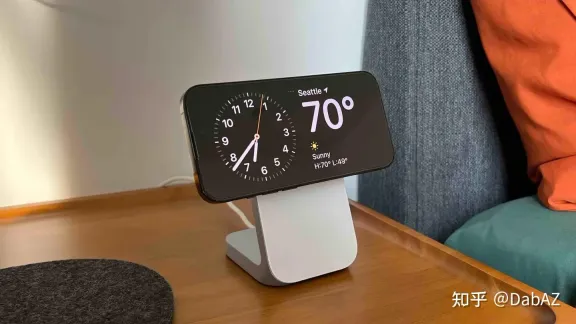
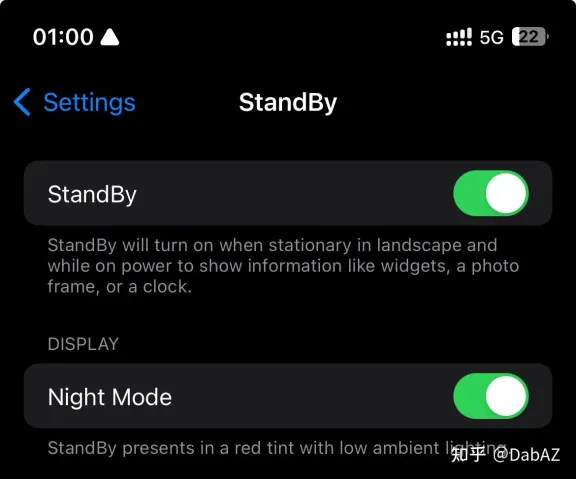
StandBy is a genuinely useful new feature. Put the iPhone in landscape on a charger and StandBy appears. It can show a simple clock, the song now playing, or two widgets side by side.
AutoFill
In iOS 17, verification codes that arrive by email can be filled in automatically.
Siri
You can now summon Siri with just “Siri”. In Settings you can choose “‘Siri’ or ‘Hey Siri’”, “‘Hey Siri’”, or “Off”.
Safari
Switching tab groups
You can now swipe left and right to switch between Private Browsing and other tab groups.
Safer Private Browsing
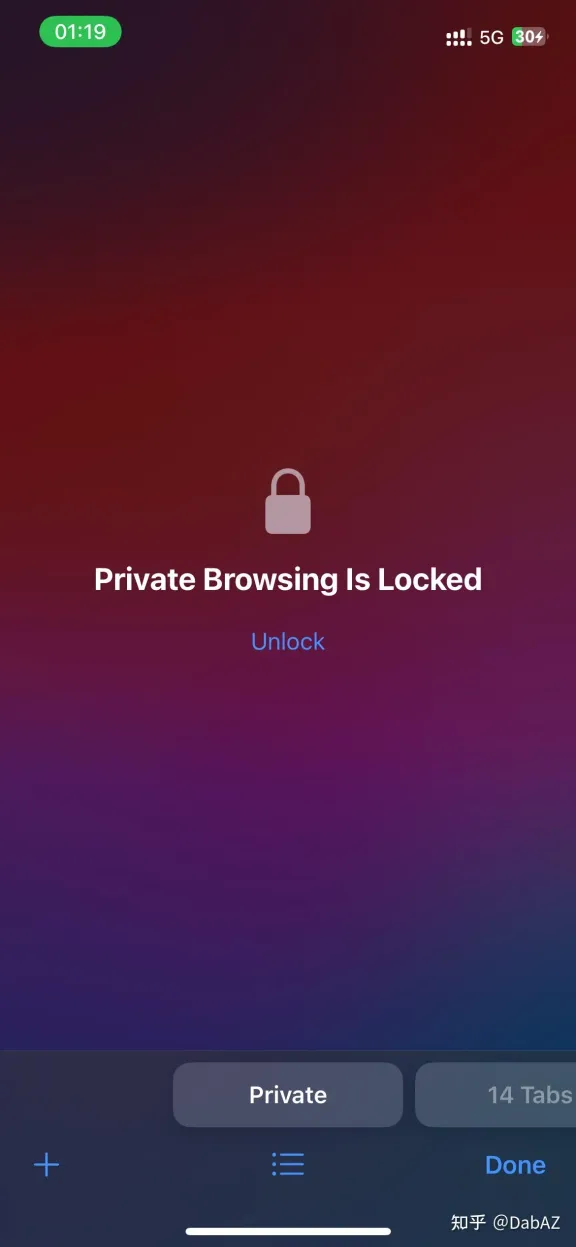
Private Browsing now requires Face ID or Touch ID to unlock. Tracking management is stricter, and so is extension management. Safari in Settings has more options.
Profiles
Safari now supports separate profiles, much like profiles in Google Chrome.
Shared passwords
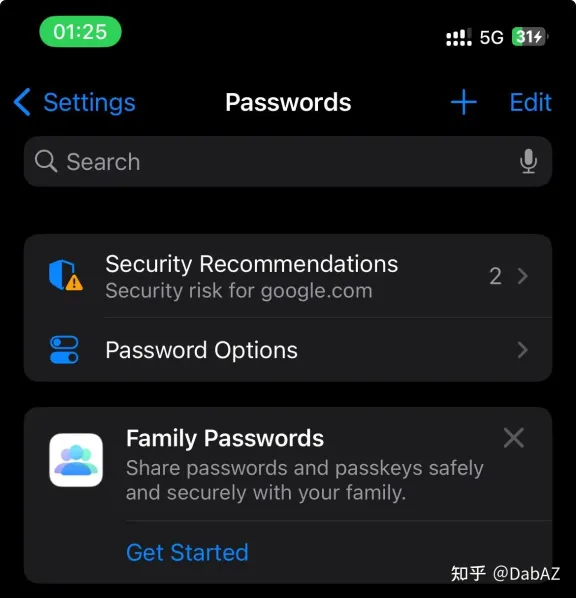
Passwords can now be shared with your family.
NameDrop
NameDrop changes how iPhone users exchange contact details. Bring two iPhones together, or an iPhone and an Apple Watch, and the information is shared.
AirDrop that continues
Even if you and your friend walk away from each other, AirDrop can keep transferring over the network. This feature has not shipped yet.
Live Voicemail
When you miss a call, the voicemail the caller leaves is transcribed in real time on your iPhone.
Small interface changes
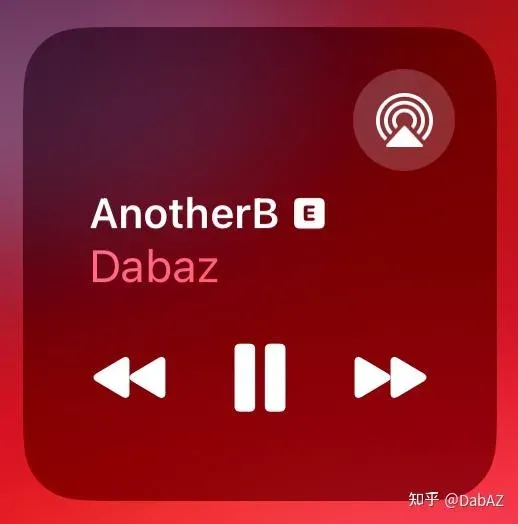
Some screens have small changes, such as playback in Control Center.
I also found smaller, subtler changes that are not in this piece. Add them in the comments if you know of any.
Thanks for reading.